Permissions
Access permissions are assigned on team level. If you don't have Team Features enabled in your User Profile, the permissions are always set on your Personal Team (every user has a single personal team, which cannot be shared with other users). By default, the Team Features are disabled, so you don't need to care about this extra complexity.
Once you want to pass permissions to other Users or other Teams, you will need to enable Team Features in your User Profile and look for the Permissions menu item in the Team dropdown menu. You may only pass permissions to other users/teams if you are in hold of the Admin role, either on customer or hosting level.
When creating a new customer, it will be added to your current team (the current team that is selected in the team dropdown menu) with Customer Admin role. If you don't have team features enabled, the permissions are just assigned to your personal team, which equals to your user, and you can just forget about team complexity!
Recommendation
It's advisable to pass the customer Admin role to another user/team, if you fully trust them.
A Customer Admin always has implicit access to all hostings of the respective customer. Like this, you can keep it simple and your coworkers or your web agency won't miss any features.
Only if you want to restrict the target user/team, pass individual Customer Roles (Manager, Domain) and/or Hosting Roles (Web, Mail, Stats). Those specific roles cannot be combined, meaning e.g. you cannot pass both Web and Mail roles on hosting level – in which case you would need to upgrade the role to Admin.
On the currently selected customer overview or hosting overview, you'll find a Permissions card, which gives you an overview of all assigned permissions. Usually, you will only see your own user (your own personal team) listed there.
Customer Roles
On customer level, the following roles can be set: Admin, Manager, Domain
| Role | Description | Access |
|---|---|---|
| admin | Full Customer Admin Manage the customer's address, his subscriptions, check his bills, and manage his domains. | 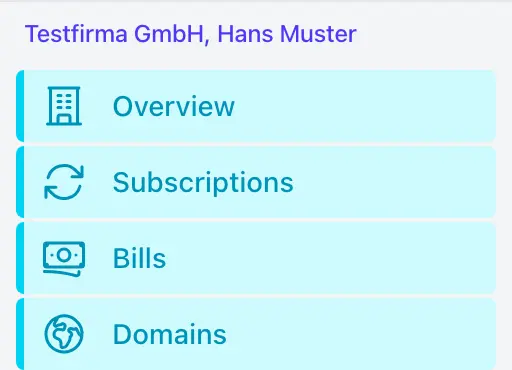 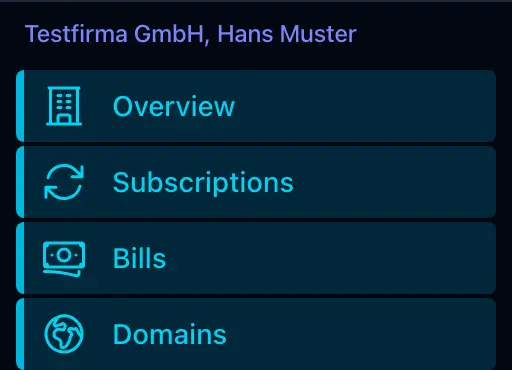 |
| manager | Manage Address, Subscriptions, and Bills You may create or cancel a subscription, but you won't be able to register a domain. | 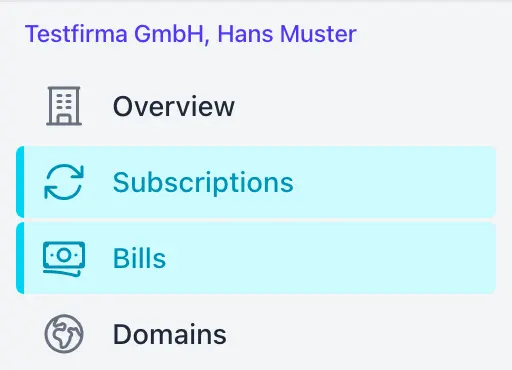 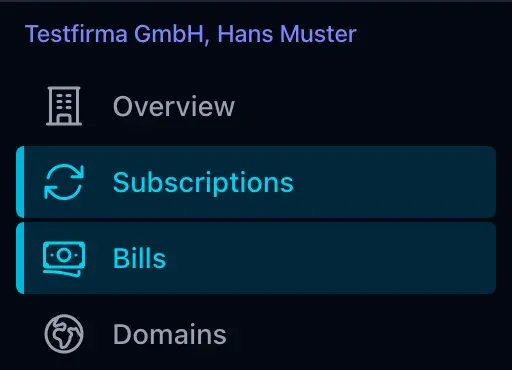 |
| domain | Domain Registration & DNS-Management You may register a new domain or manage the DNS resource records of an existing domain. | 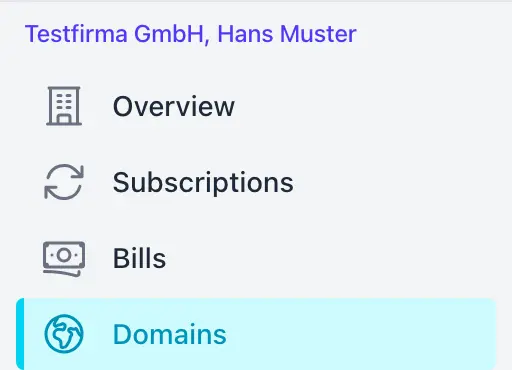 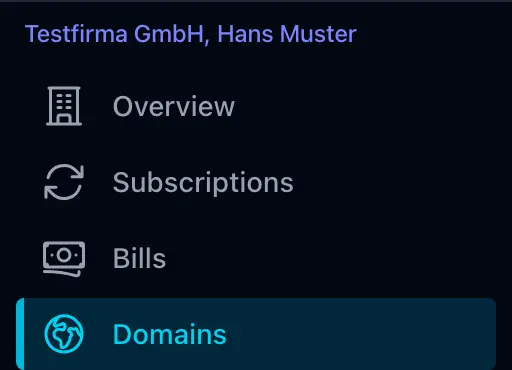 |
Hosting Roles
On hosting level, the following roles can be set: Admin, Web, Mail, Stats
Implicit Hosting Access
Remember: When you are in hold of the Customer Admin role, you also have «implicit access» to all hostings of that customer. There is no need to assign individual permissions for any hosting.
Only use hosting roles, if you want to pass a restricted set of permissions to another team/user, without giving them access to manage the customer or his domains. That's what we call «Explicit Hosting Access», explicitly assigned roles on hosting level.
| Role | Description | Access |
|---|---|---|
| admin | Full Hosting Access Unrestricted access to all hosting features! | 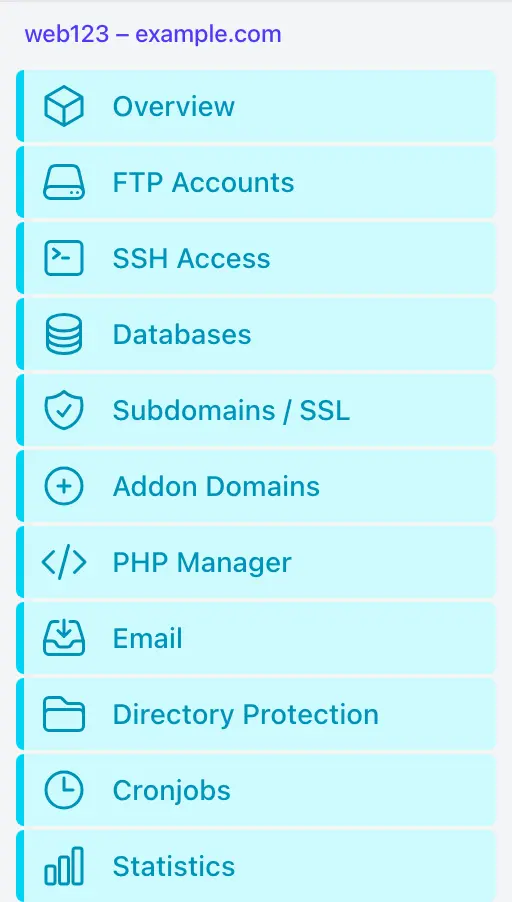 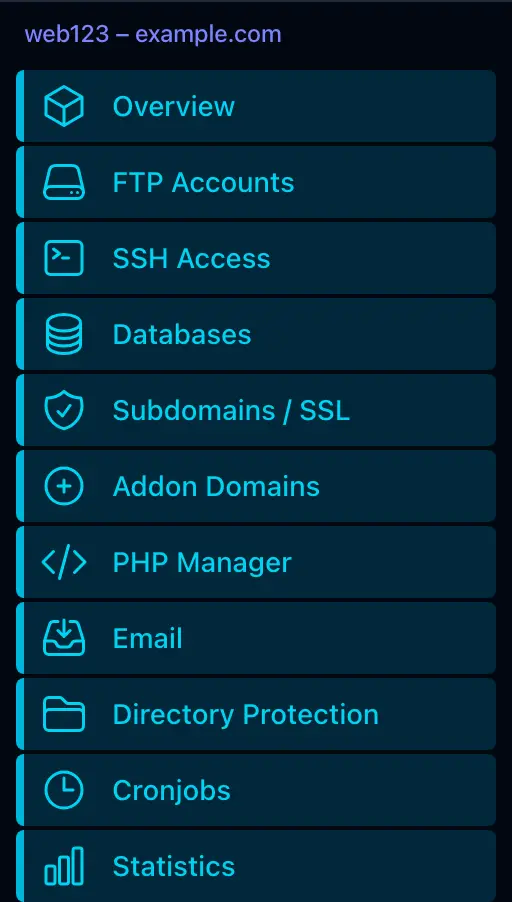 |
| web | Manage Web related stuff Manage everything that is related to your website, without having access to your mailaccounts. You may pass this role to your web agency. | 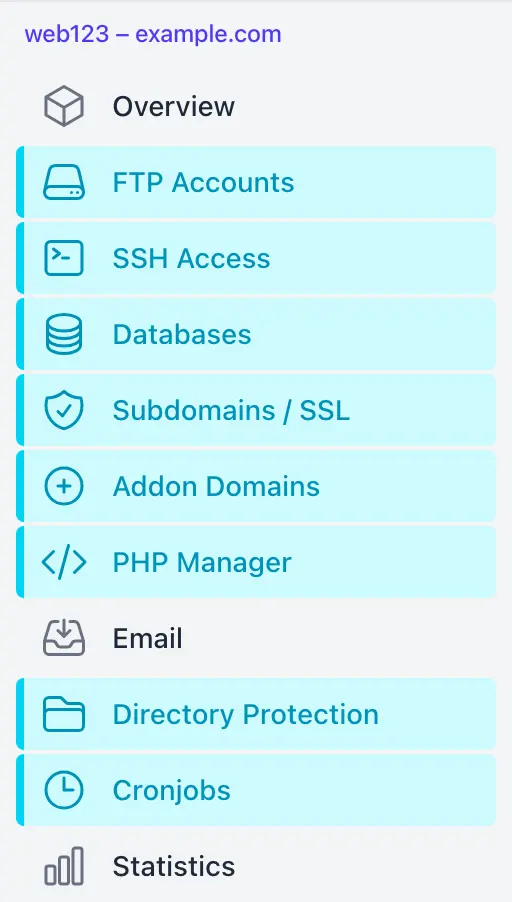 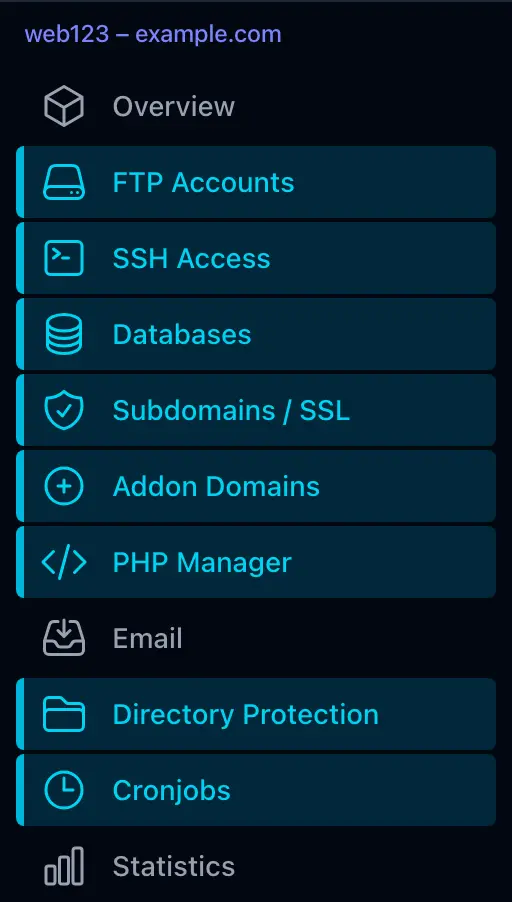 |
| Manage Mailaccounts, E-Mail Forwardings Only provides access to E-Mail management, but not to any web related features. | 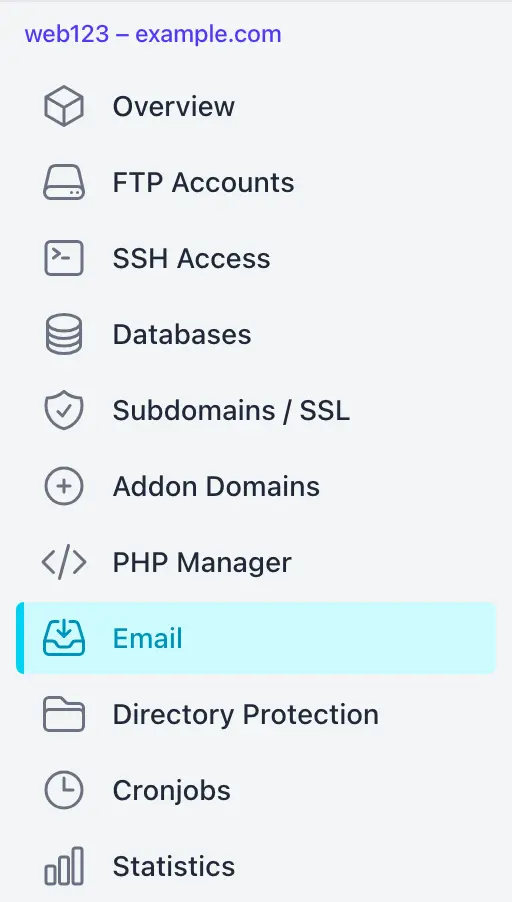 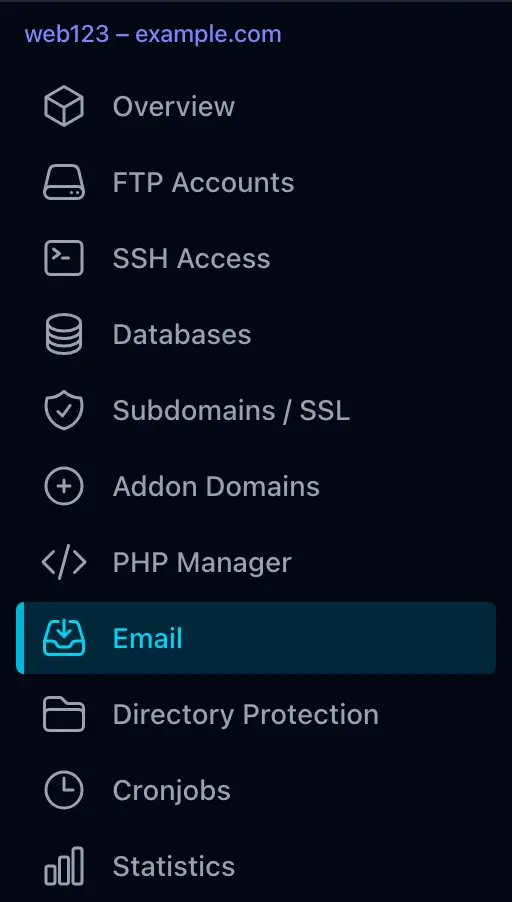 | |
| stats | View Statistics only This is a read-only role that only gains access to the hosting's Traffic and Access Stats | 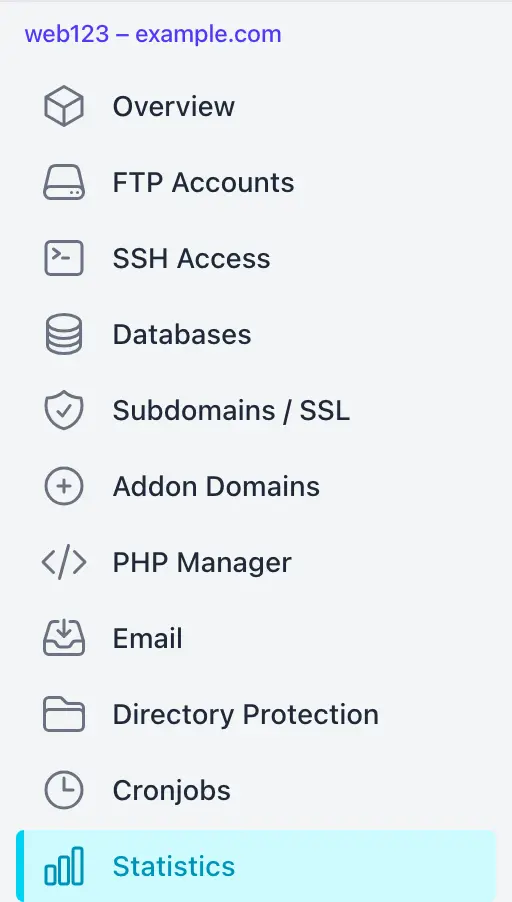 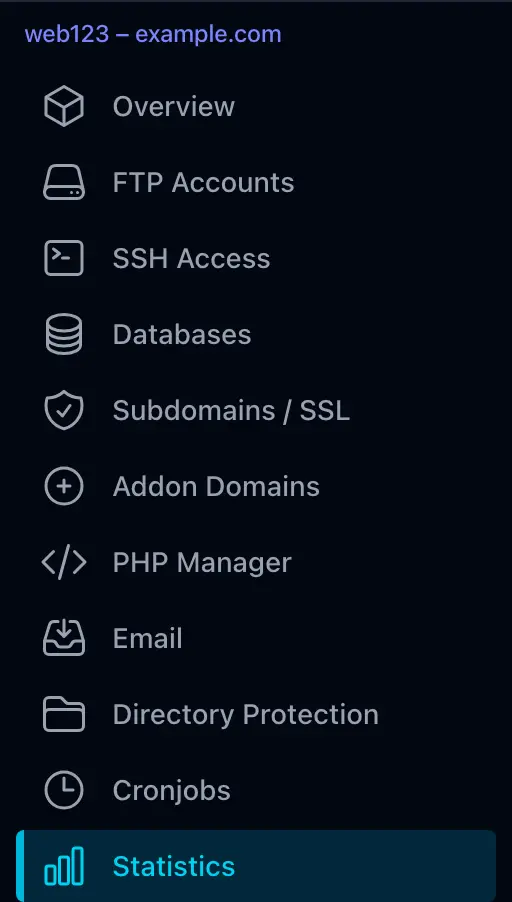 |